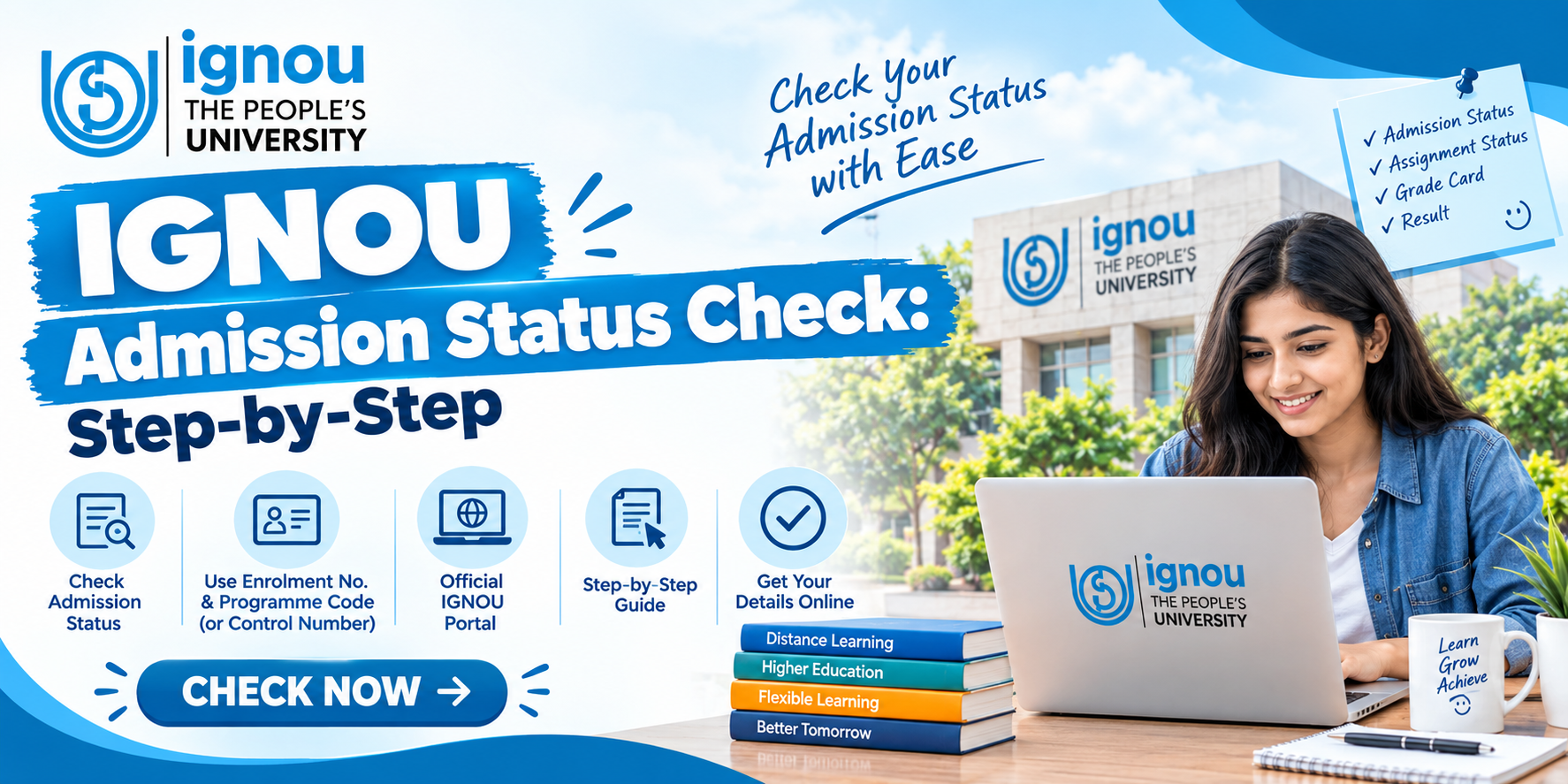
After submitting an admission form, the next thing most IGNOU students want to know is simple: “Is my admission confirmed?” This is where the IGNOU admission status check becomes important.
Indira Gandhi National Open University provides an online facility where students can check their admission and registration details. You can use the official status service to see whether your admission has been processed and check other registration-related information.
Many students also search for terms like IGNOU admission status by control number, IGNOU admission portal, IGNOU assignment status, IGNOU grade card and IGNOU result. But these are different student services, so it is important to use the correct portal for each purpose.
In this guide, we explain how to check IGNOU admission status 2026 step by step, what different status messages mean, and what you should do if your admission is still not confirmed.
What is IGNOU Admission Status?
IGNOU admission status tells you whether your application and registration have been processed by the university.
After you submit your admission application, IGNOU generates a control number for the submitted form. According to an IGNOU regional-centre FAQ, after admission is confirmed, a nine-digit enrolment number is generated and communicated to the learner through SMS on the registered mobile number.
For the current official “Know Your Admission/Registration Details” service, students are asked to enter their enrolment number and programme code along with the verification code.
This means that students searching specifically for IGNOU admission status by control number should know that the current official status-check page does not simply ask for the control number. The control number is mainly associated with the submitted application, while the admission/registration details page uses the enrolment number.
IGNOU Admission Status Check 2026: Quick Information
| Particular | Details |
|---|---|
| University | Indira Gandhi National Open University |
| Status | Admission/Registration Status |
| Official service | Know Your Admission/Registration Details |
| Main detail required | Enrolment Number |
| Programme detail | Programme Code |
| Control Number | Generated after submitting application |
| Admission confirmation | Enrolment number is generated after confirmation |
| Mode | Online |
IGNOU itself advises students that registration details can be checked through the Student Login on the Samarth portal or through the university website’s admission/registration status service.
How to Check IGNOU Admission Status Online?
Checking your IGNOU admission status is not very difficult. You just need your enrolment number, programme code and the verification code shown on the official page.
Step 1: Visit the IGNOU Admission Status Portal
First, go to the official Know Your Admission/Registration Details page of IGNOU.
IGNOU Admission/Registration Status Portal
Avoid using random third-party websites for checking your personal admission details. The official IGNOU page directly provides the status service.
Step 2: Enter Your Enrolment Number
Once the page opens, you will see a field for Enrolment No.
Enter your enrolment number carefully. Don’t add unnecessary spaces or characters.
If you have recently applied and have not received an enrolment number yet, your application may still be under processing. In that situation, check the admission portal and your registered email/mobile for updates.
Step 3: Select Your Programme Code
The next field asks you to select the programme code.
For example, different IGNOU programmes have different codes. Select the programme for which you have taken admission.
Entering the wrong programme code can create confusion, so check your admission confirmation or application details before selecting it.
Step 4: Enter the Verification Code
A verification code or captcha will appear on the page.
Enter the characters shown in the box. If the code is difficult to read, use the option to change the image and enter the new code.
Step 5: Submit the Details
After entering all information, submit the form.
The system will display your available admission or registration information. You should check the displayed details carefully, including your programme and other registration information.
Can You Check IGNOU Admission Status by Control Number?
This is one of the most common questions searched by new IGNOU applicants.
A control number is generated after you submit the admission application, according to IGNOU information. However, the current “Know Your Admission/Registration Details” page specifically asks for an enrolment number and programme code, rather than offering a simple control-number-only status search.
So, if you are searching IGNOU admission status by control number, don’t get confused if you cannot find a control-number field on the current status page.
Keep your control number safely because it is connected with your submitted application. Once your admission is confirmed, look for the enrolment number sent by IGNOU.
What If IGNOU Admission Status Is Not Updated?
Sometimes students check their status immediately after applying and find that the information has not been updated. This does not always mean that the admission has been rejected.
IGNOU needs to process the application and verify the submitted information. The university also mentions that students can check registration details through the Student Portal and official admission-status service.
If your status is not showing, first make sure that you have entered the correct enrolment number and programme code.
You can also check your registered email and mobile number for messages from IGNOU. Don’t submit another application just because the status is taking some time, unless the university specifically instructs you to do so.
IGNOU Admission Portal: Where Do You Apply?
The IGNOU admission portal is different from the admission-status page.
For fresh online admission, IGNOU directs prospective learners to its Online Admission System. The university’s admission instructions say students need to create an account, select the programme and study centre where applicable, enter personal and academic details, upload documents and pay the required fee online.
After submitting the application, keep the acknowledgement and control number for your records. It can be useful if you need to track or discuss your application later.
IGNOU Admission Status vs Assignment Status
A common mistake is to search the admission portal when actually looking for assignment marks.
IGNOU assignment status is a separate service. It is used to check whether assignment, project or practical marks have been transmitted by the relevant Study Centre or Regional Centre after evaluation.
| Student Requirement | Correct Service |
|---|---|
| Check admission | Admission/Registration Status |
| Check application | IGNOU Admission Portal |
| Check assignment marks/status | Assignment Status |
| Check marks and course completion | IGNOU Grade Card |
| Check declared exam result | IGNOU Result Portal |
The assignment-status page itself says that the status is reflected only after marks or grades are transmitted by Study Centres or Regional Centres following the evaluation process.
So if you submitted an assignment yesterday and it is not showing online today, it does not necessarily mean your assignment was not received.
How to Check IGNOU Grade Card?
The IGNOU grade card is used to view academic performance components such as assignment marks, term-end examination marks, practical marks where applicable and course status.
The official IGNOU Grade Card portal asks students to select the relevant grade-card status/programme and enter their enrolment number.
Students should remember that the online grade card can be updated at different times. IGNOU also notes that the displayed information can be indicative and that the final grade card is issued after completion of the programme and updating of prescribed components.
IGNOU Result and Admission Status Are Different
Another common confusion is between IGNOU admission status and IGNOU result.
Admission status tells you whether your admission or registration has been processed. Result information, on the other hand, relates to your examination performance.
The IGNOU term-end result service displays examination results and clearly states that online result information is indicative and may be incomplete while additional results are still being uploaded.
Therefore, if you are waiting for your exam marks, don’t keep checking the admission status page. You need the result or grade-card service instead.
Why Is My IGNOU Admission Status Showing Pending?
There can be different reasons why an admission status is not yet confirmed. Your documents may still be under verification, the admission processing may not have been completed, or there could be an issue with the information submitted in the application.
In such cases, first check your email and Student Portal account. If IGNOU has raised a discrepancy, follow the instructions given by the university.
IGNOU’s FAQ also says that if a discrepancy requires a certificate upload, students should upload the certificate through the link provided in their login.
Do not panic if the status takes some time. Open university admission processing is not always updated immediately after the form is submitted.
What Should You Do After Admission Confirmation?
Once your IGNOU admission is confirmed, check the confirmation message carefully. IGNOU advises confirmed students to follow the instructions in their confirmation email and register on the University’s Student Portal.
You can then focus on the next stages of your programme, such as accessing study material, checking assignment requirements, preparing for examinations and keeping track of your academic records.
It is also a good idea to save your enrolment number somewhere safe because you will use it for several IGNOU student services throughout your course.
Final Words
The IGNOU admission status check is a simple but important step after submitting your admission application. The official admission/registration service currently asks for your enrolment number and programme code, while the control number is generated when you submit the application.
If you are a new student, don’t mix up the admission portal with assignment status, grade card or IGNOU result services. Each one is meant for a different purpose.
Most importantly, always use official IGNOU websites when checking admission and academic information. Third-party websites can be useful for general guidance, but your personal admission status should be verified from IGNOU itself.
Frequently Asked Questions
1. How can I check my IGNOU admission status?
You can check it through IGNOU’s official Know Your Admission/Registration Details service. Enter your enrolment number, programme code and verification code to view the available registration details.
2. Can I check IGNOU admission status by control number?
The control number is generated after you submit your application, but the current official admission/registration status page asks for the enrolment number and programme code.
3. What is the IGNOU control number?
The control number is generated when an IGNOU admission form is submitted online. It is associated with your application and should be kept safely for future reference.
4. How do I know if my IGNOU admission is confirmed?
After confirmation, IGNOU generates an enrolment number and communicates it to the learner through the registered contact details. You can also check your registration details through the official status service.
5. What should I do if my IGNOU admission status is not showing?
First, verify that your enrolment number and programme code are correct. Then check your registered email, mobile number and Student Portal for any discrepancy or additional instructions.
6. Where can I check IGNOU assignment status?
IGNOU provides a separate assignment/project/practical marks transmission status service. The status is updated after the relevant marks or grades are transmitted by the Study Centre or Regional Centre.
7. How can I check my IGNOU grade card?
You can use the official IGNOU Grade Card portal and enter the required programme and enrolment details. The grade card can show assignment, term-end and practical components where applicable.
8. Is IGNOU admission status the same as IGNOU result?
No. Admission status relates to your registration or admission, while the IGNOU result shows examination performance. These are separate student services.
9. When will I receive my IGNOU enrolment number?
After your admission is confirmed, IGNOU generates an enrolment number and communicates it to the learner through the registered mobile number, according to IGNOU’s published FAQ information.
10. Why is my assignment marks not showing in the IGNOU grade card?
Assignment marks may take time to appear because they are updated after evaluation and transmission by the relevant Study Centre or Regional Centre. The assignment-status service can help you check whether marks have been transmitted.